

Latest Version
SOLAZ DAZEN S.R.L.
Tools
Mac
$9.99
1048204375
Report a Problem
More About ProCommander - File Manager
The Challenge of Desktop Disorganization
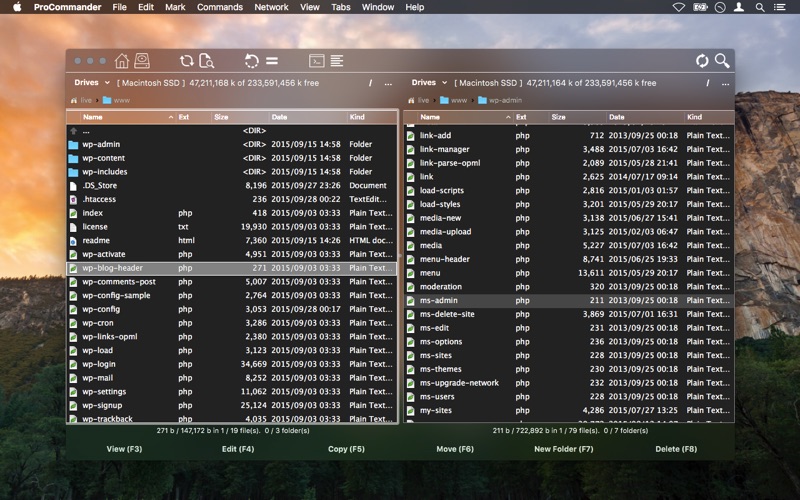
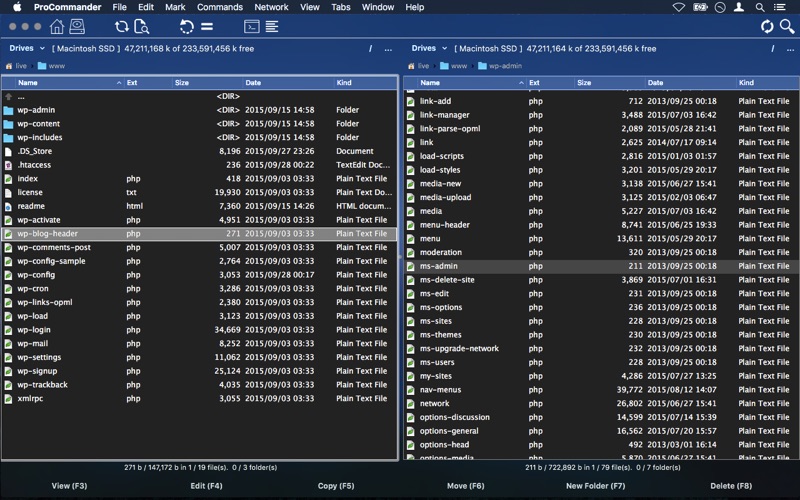
Managing a cluttered desktop on macOS can quickly become a bottleneck for your daily productivity. Standard system viewers often fall short when you need to execute rapid file operations across multiple directories. The ProCommander - File Manager is designed to resolve this exact frustration, delivering a highly structured, dual-pane environment that streamlines how you interact with your local and remote storage.
What is ProCommander - File Manager?
Developed by SOLAZ DAZEN S.R.L., this utility belongs to the essential tools category for power users who demand speed and precision. Unlike single-window interfaces that require constant tab-switching, this application utilizes a classic dual-pane setup. This layout allows you to view source and destination directories side-by-side, making moving, copying, and comparing files incredibly efficient.
Key Features for Enhanced Productivity
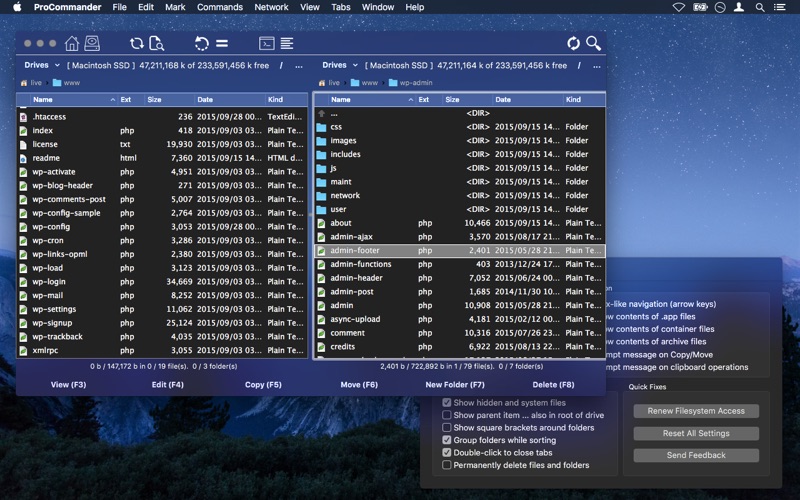
- Dual-Pane Interface with Multi-Tab Support: Seamlessly navigate multiple directories simultaneously without losing your place.
- Advanced Customization: Tailor the user interface behavior, visual color schemes, and action shortcuts to match your personal workflow.
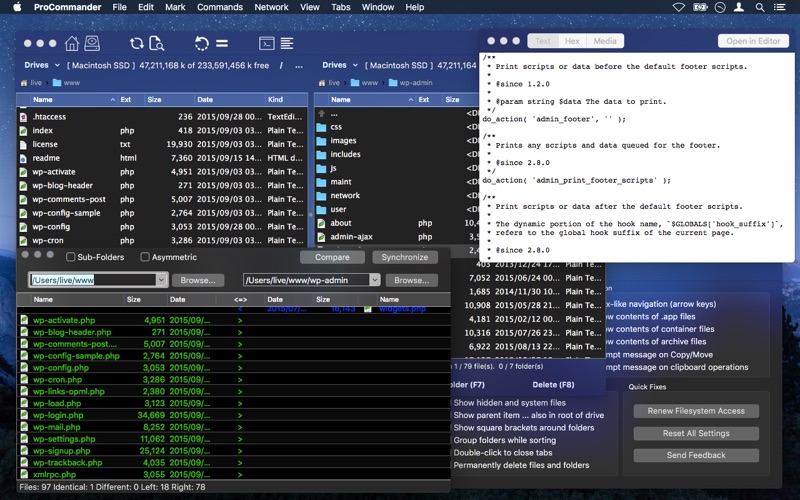
- Folder Synchronization: Keep two separate directories perfectly in sync with built-in comparison tools.
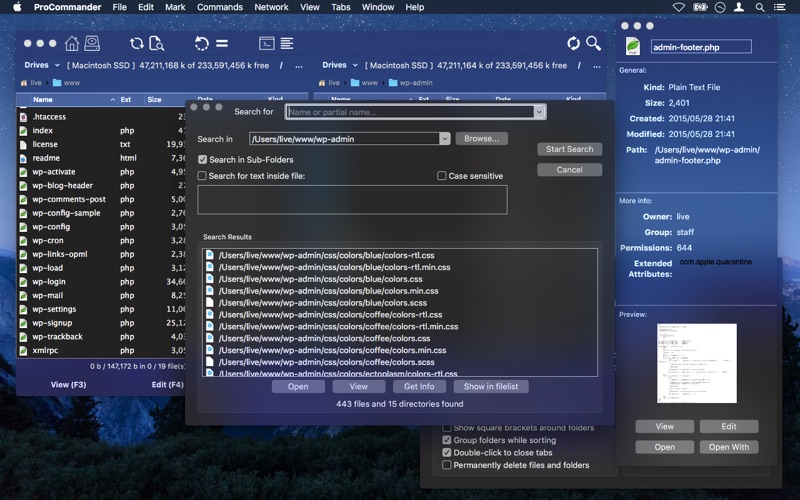
- Deep Search and Filtering: Locate files instantly by matching names, modification dates, file sizes, or even specific internal content.
- Archive Management: Create and extract compressed archives easily with native support for ZIP and JAR formats.
- Native Quick-Look Integration: Preview files instantly without needing to launch external applications.
Who is This Tool For?
If you find yourself constantly dragging windows across your screen or waiting on sluggish search indexes, ProCommander - File Manager offers a robust, crash-free alternative. It is built specifically for Mac users who rely heavily on keyboard shortcuts, precise sorting, and rapid file transfers to keep their digital workspaces orderly.
Verdict and Availability
For those looking to upgrade their productivity without a steep learning curve, this tool provides an excellent balance of advanced features and raw speed. To explore its capabilities further and add it to your macOS toolkit, head over to the official Mac App Store to get started.
Rate the App
User Reviews














Popular Apps










Editor's Choice